

Ideogram XAPK
DREAMASTER
- Version
- 1.0275
- Size
- 61.5 MB
- Android
- 6.0+
- Category
- Tools
Screenshots
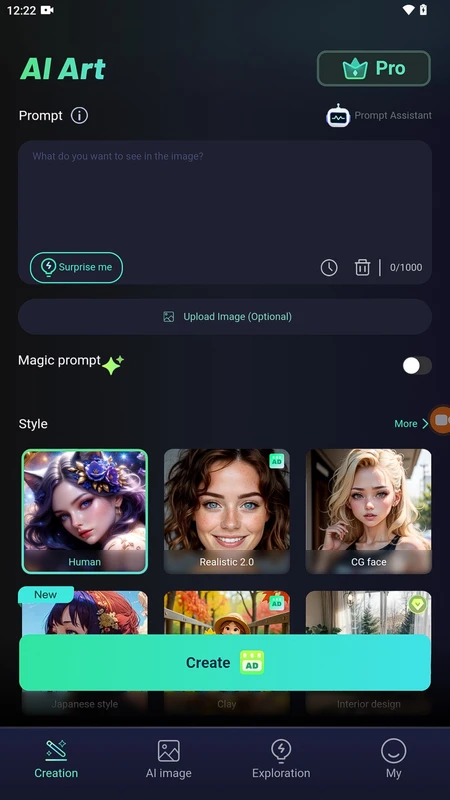
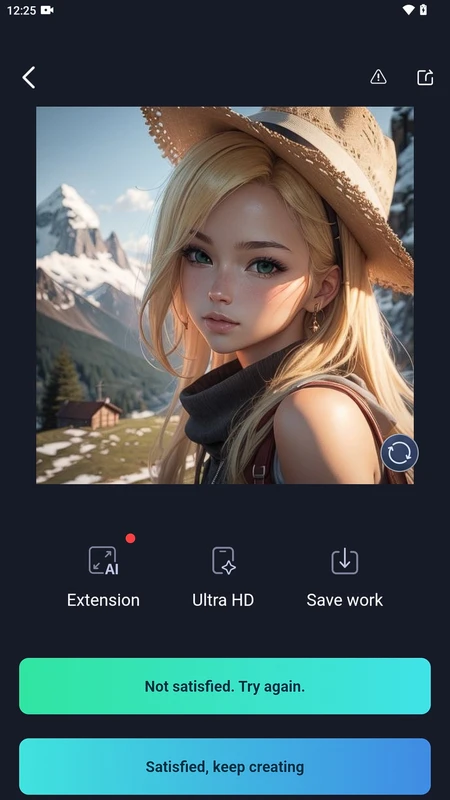
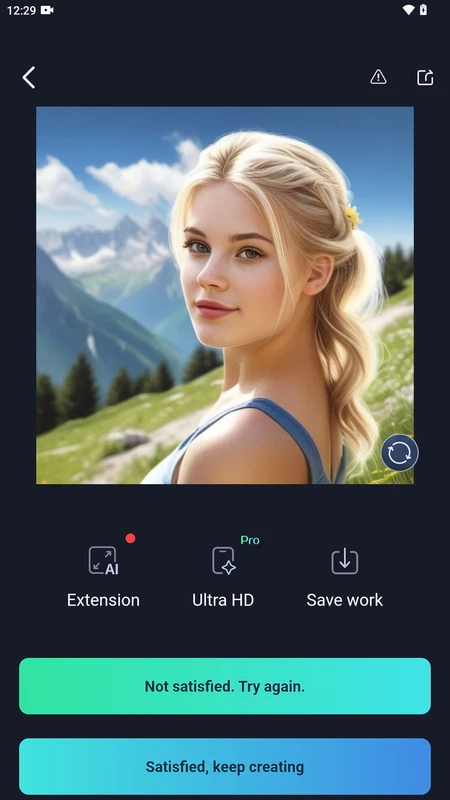
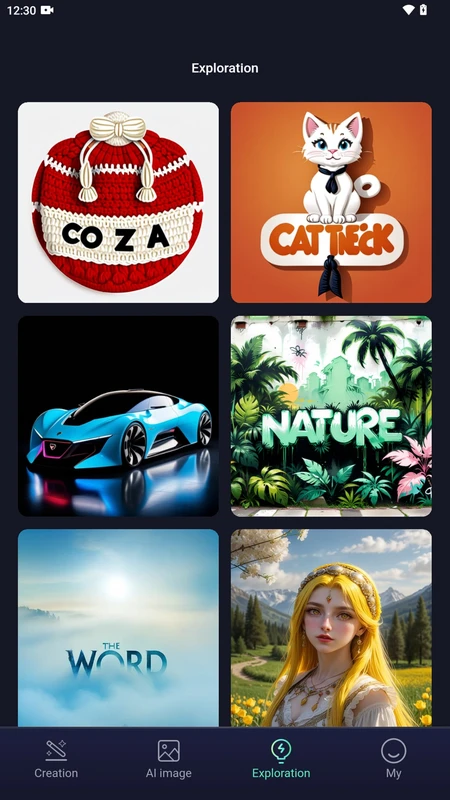
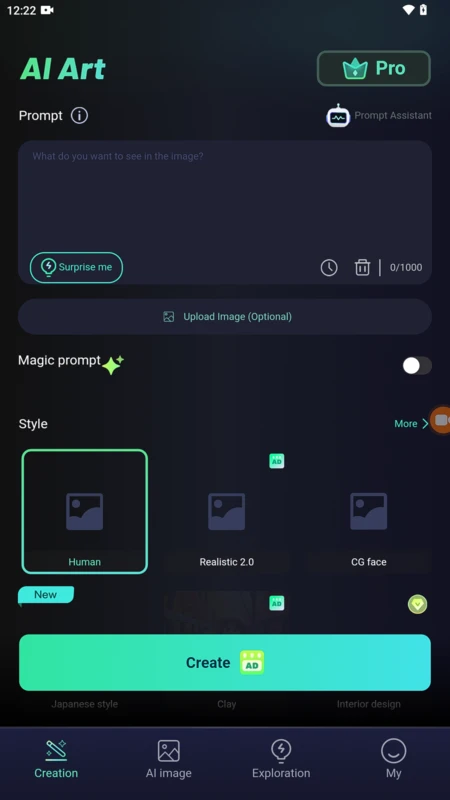
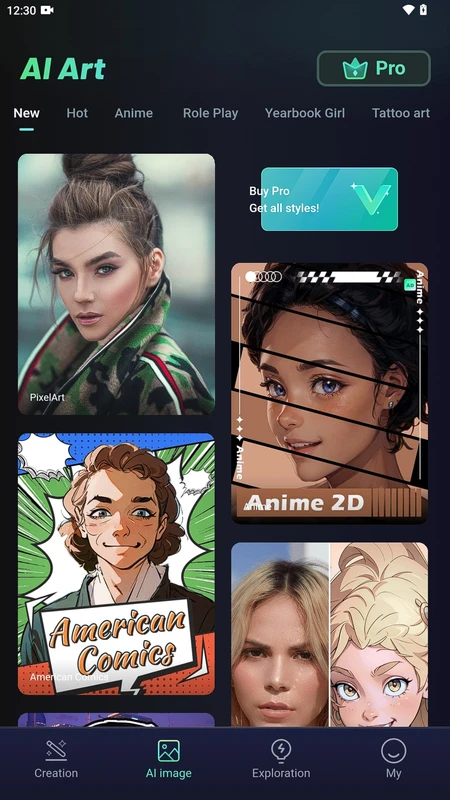
What's new
Version 1.0275 is the newest build on APKBlade, updated 4 September 2026.
Create stunning images and graphics with AI. Download for free and unleash your creativity today!
Discover the World of Ideogram APK for Android
Imagine having a magical tool that can turn your creative ideas into stunning images and designs. That’s exactly what Ideogram APK for Android does! It’s like having a superpower in your pocket, allowing you to create amazing graphics and realistic images with just a few taps on your phone. Whether you’re an artist, a designer, or someone who just loves to play with images, Ideogram APK is a must-have app for you.
What is Ideogram APK?
Ideogram APK is a generative media platform that combines the power of AI with creativity. It’s designed to help you create high-quality images and designs effortlessly. With Ideogram, you can use purpose-built creative apps, work with leading image and video models, or even build your own creative workflows. It’s like having a toolbox filled with all the tools you need to bring your imagination to life.
Features of Ideogram APK
Ideogram APK is packed with features that make it a powerful tool for creating stunning images. Here are some of the key features:
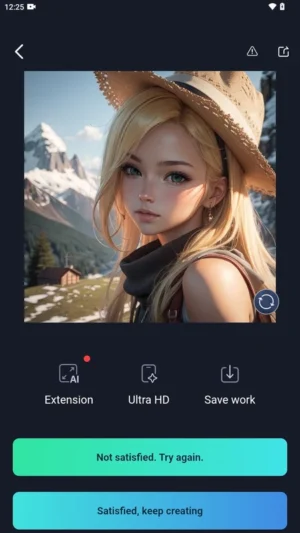
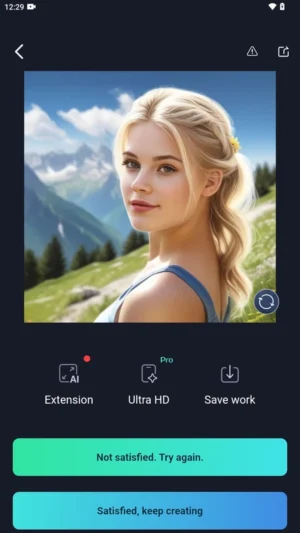
- AI-Powered Image Generation: The app uses advanced AI algorithms to generate high-quality images based on your descriptions and inputs.
- Customizable Workflows: You can build your own creative workflows using the app’s tools and features. This allows you to tailor the app to suit your specific needs.
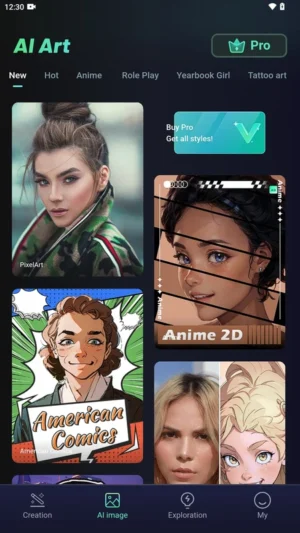
- Purpose-Built Creative Apps: Ideogram offers a range of purpose-built creative apps that make it easy to create specific types of images and designs.
- Best-in-Class Models: The app works with leading image and video models to ensure that you get the best possible results.
- Text Rendering Tools: Ideogram is famous for its ability to render legible text inside images, making it easy to add captions, quotes, and other text elements to your designs.
Why Choose Ideogram APK?
There are many reasons why Ideogram APK stands out from other image-generating apps. Here are just a few:
- User-Friendly Interface: Ideogram APK is designed to be easy to use, even for beginners. You don’t need to be a tech expert to create amazing images.
- High-Quality Designs: The app uses advanced AI technology to generate high-quality graphic designs and realistic images.
- Legible Text Rendering: One of the unique features of Ideogram APK is its ability to render legible text inside images. This means you can add text to your images without worrying about it looking messy or hard to read.
- Creative Freedom: With Ideogram, you have the freedom to explore creative ideas and turn inspiration into reality. You can generate stunning images, explore creative ideas, and discover purpose-built apps and best-in-class models.
How to Download Ideogram APK
Downloading Ideogram APK is simple and straightforward. Follow these steps to get started:
- Ensure Compatibility: Make sure your Android device is compatible with the app. Ideally, your device should have a recent version of Android installed.
- Download the APK: Click on the download link provided at the top to get the Ideogram APK file directly to your device.
- Enable Unknown Sources: Before installing the APK, go to your device settings and enable the option to install apps from unknown sources. This is necessary because Ideogram APK is not available on the official app store.
- Install the APK: Locate the downloaded APK file on your device and tap on it to start the installation process. Follow the on-screen instructions to complete the installation.
- Launch the App: Once the installation is complete, open the Ideogram app and start exploring its features.
Tips for Using Ideogram APK
To make the most of Ideogram APK, here are some tips and tricks:
- Experiment with Different Inputs: Don’t be afraid to experiment with different descriptions and inputs to see what kind of images the app can generate. The more you play around, the more you’ll discover what the app is capable of.
- Use High-Quality Inputs: For the best results, use high-quality inputs such as clear and detailed descriptions. This will help the app generate more accurate and realistic images.
- Explore the Creative Apps: Take the time to explore the different creative apps available within Ideogram. Each app is designed to help you create specific types of images, so you can find the perfect tool for your project.
- Save and Share Your Creations: Once you’ve created an image you’re proud of, don’t forget to save it and share it with your friends and family. You can also use your creations in your own projects or as inspiration for future designs.
Conclusion
Ideogram APK for Android is a powerful and versatile tool that can help you unlock your creative potential. Whether you’re an artist, a designer, or just someone who loves to create, Ideogram has everything you need to turn your ideas into stunning images. So why wait? Download Ideogram APK today and start exploring the endless possibilities of creative design!
More About Ideogram
| Name | Ideogram |
|---|---|
| Package Name | ai.art.generator.design |
| Category | Tools |
| Version | 1.0275 |
| Size | 61.5 MB |
| Requires Android | 6.0 and up |
| Developer | DREAMASTER |
| Last Updated | 4 September 2026 |
How to Install Ideogram
- Tap the download button and let the file finish.
- Open the file from your notifications or the Downloads folder.
- If Android asks, allow your browser to install unknown apps.
- Tap Install, then open the app.
This download is a XAPK file. Follow the XAPK install guide.
FAQ'S
How to install Ideogram .xapk?
Simply download this XAPK Installer from Play store - Download. Open the XAPK Installer app & follow on screen instructions to install the XAPK.
I am getting Play Protect warning while installing!
Some mod APK files might get a warning. You can ignore this warning and install the APK file. Follow these simple steps to turn off Play Protect: Open Google Play app > Click Profile Icon > Select Play Protect -> Setting > Turn off both "Scan apps with Play Protect" and "Improve harmful app detection" options.
How to update APK without losing the data?
To update APK without losing the data, you don't need to follow anything extra. Click on the downloaded APK file and click the "Install" button. The app will update automatically without loss of data.
How to fix problems while installing/opening?
Make sure you have downloaded the file correctly. The downloaded file extension must end with .apk file. If you face any package install error, redownloading the file may fix the issue.


















Ratings and reviews
There are no reviews yet. Be the first one to write one.